In this post, lets go over two different ways to retrieve data from SQL in Dynamics CRM.
Why do we need data:
Though within CRM, it is easy to review data created towards any specific entity, but getting a customized view to get only specific/complex details as a report/page to senior management might be an option to get started with.
As an example, lets take a SQL (sample) and try to implement them using direct SQL Fetch and FetchXml options.
SQL for example:
SELECT EmpID, EmpName FROM Employee WHERE EmpID = 101;
SQL Fetch:
This process involves using regular SqlConnection object and respective parameters to fetch data from the table directly. The above sql will be directly passed in as a parameter to Command objects text value. Using a DataReader, retrieved data can be looped through to analyze and handle accordingly;
Advantage: Exclusive access to any table / entity. Any possible combination of data can be retrieved.
Disadvantage: Works primarily with on-prem versions only. When migrating to Online version, these procedures / SQL's will not be effective.
To support the online version, we can use Fetch XML to handle them effectively.
FetchXml:
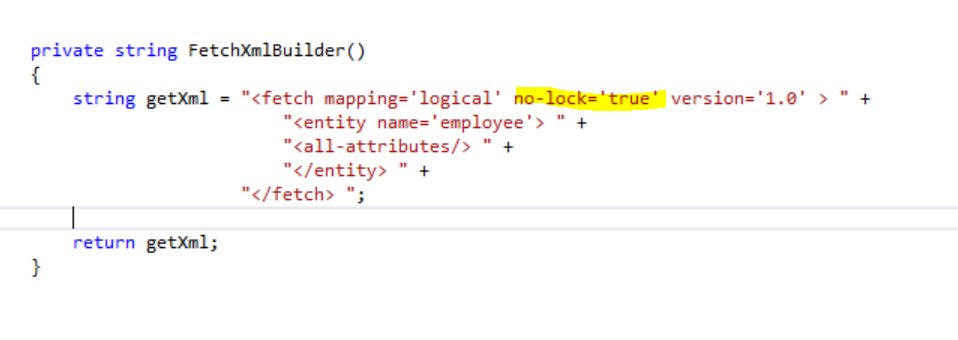
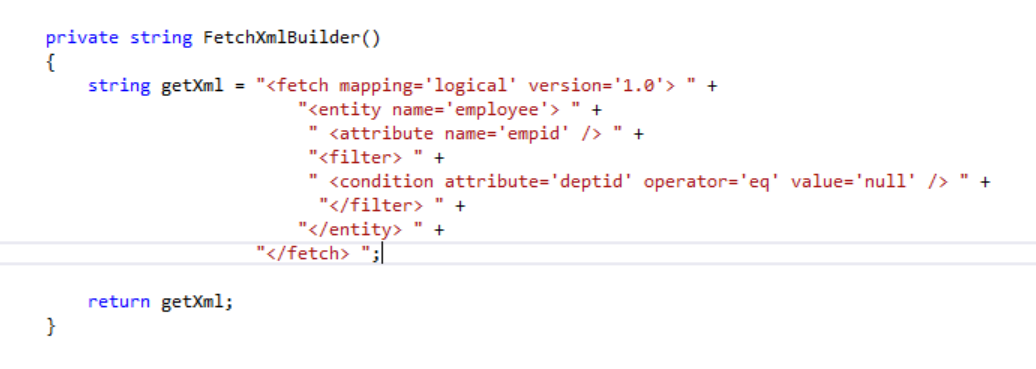
Now lets retrieve the same using Fetch XML.
string fxml = @"<fetch mapping='logical'>
<entity name='employee'>
<attribute name='empid'/>
<attribute name='empname'/>
<filter type='and'>
<condition attribute='empid' operator='eq' value='100'/></filter>
</entity>
</fetch>"
Using the above string as input, Employee Entity can be retrieved using serviceproxy (
OrganizationServiceProxy)
Note :
- Entity and column names should be lowercase.
- Multiple conditions can be included (similar to where clause).
To get started, you can use this website http://sql2fetchxml.com/.
You can enter your SQL and in turn it will derive fetch xml for the provided SQL. Again this website has its own limitations
To know more on what will be supported, visit this page: http://sql2fetchxml.com/Help.aspx. But good enough for a starter to get started..
Happy coding...